
2 KiB
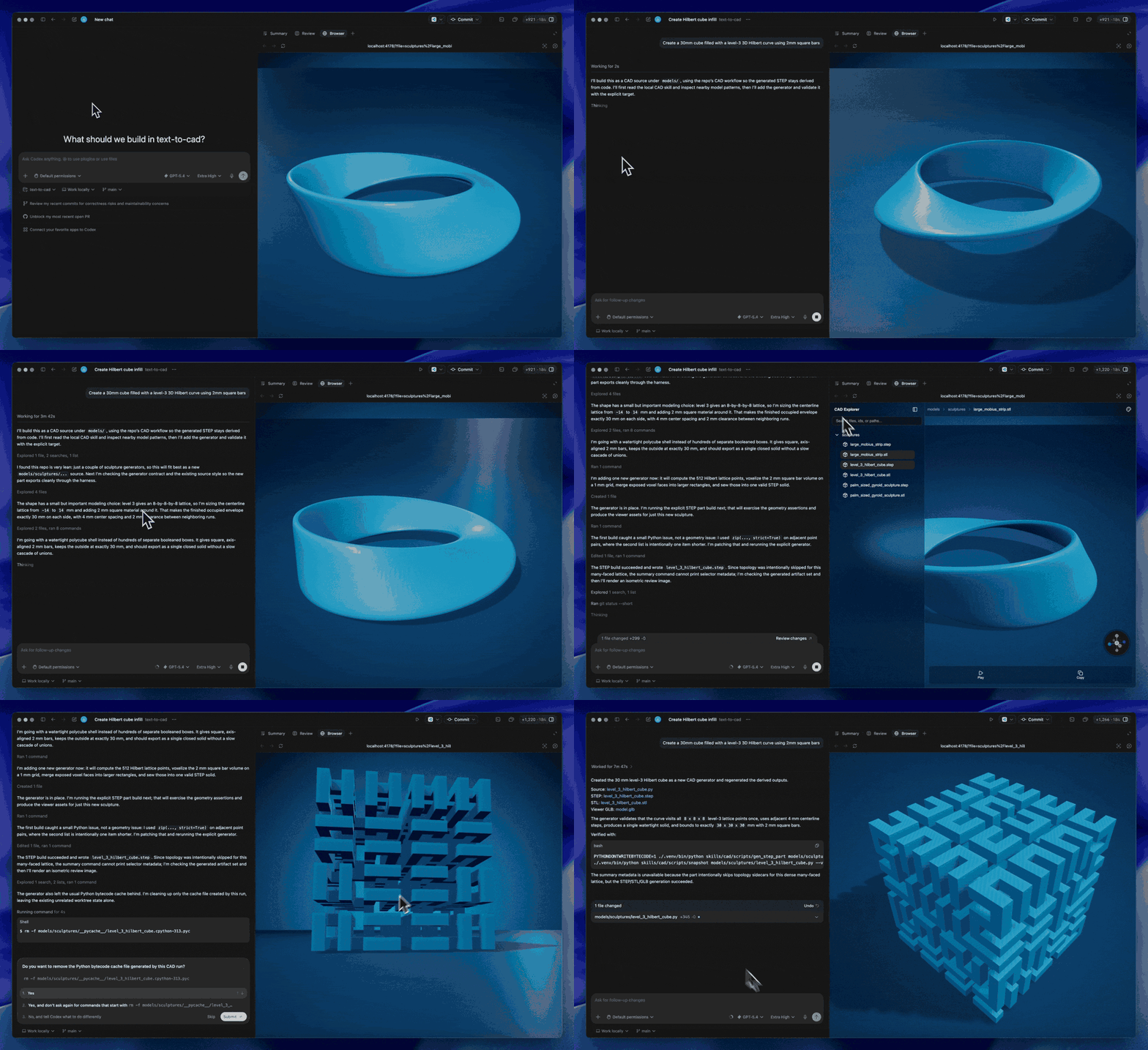
CAD Skill
A skill to precisely generate, edit and validate CAD files. Export to STEP, STL, GLB, DXF and more.
The CAD skill operates on explicit source files and imported STEP/STP files. It does not assume a project root or directory layout, so it can be used inside this harness, in the standalone cad-skill repo, or in another project that provides the required Python environment.
What It Can Do
- Regenerate part STEP outputs from Python
gen_step()sources. - Regenerate assembly STEP outputs from Python
gen_step()sources. - Package direct STEP/STP files with viewer-ready GLB and topology artifacts.
- Export STL meshes from generated or imported CAD targets.
- Regenerate DXF sidecars from Python
gen_dxf()sources. - Inspect stable
@cad[...]prompt references and report geometry facts. - Render review snapshots for quick visual checks.
Commands
Run commands from the project that owns the target files:
python <cad-skill>/scripts/gen_step_part path/to/part.py
python <cad-skill>/scripts/gen_step_assembly path/to/assembly.py --summary
python <cad-skill>/scripts/gen_dxf path/to/drawing.py
python <cad-skill>/scripts/cadref inspect '@cad[path/to/entry]' --json
python <cad-skill>/scripts/snapshot path/to/part.py --view isometric --out /tmp/cad-review.png
Install the skill runtime dependencies from requirements.txt when the active Python environment does not already provide them.
Project Harness
The text-to-cad harness is a convenient way to manage projects that use this skill. It provides a models/ layout, a local viewer, prompt-reference UX, and root setup commands that install the bundled skill dependencies.
For agent-facing workflow rules, use SKILL.md.